ScanPlan Software
Build Your NDT Inspection Setup on a PC
ScanPlan software is a simple step-by-step scan plan builder featuring a straightforward workflow with 3D modeling based on the scan plan in the OmniScan™ X4 flaw detector.
Use ScanPlan software to create a setup from scratch or to edit an existing setup file on your PC or laptop.
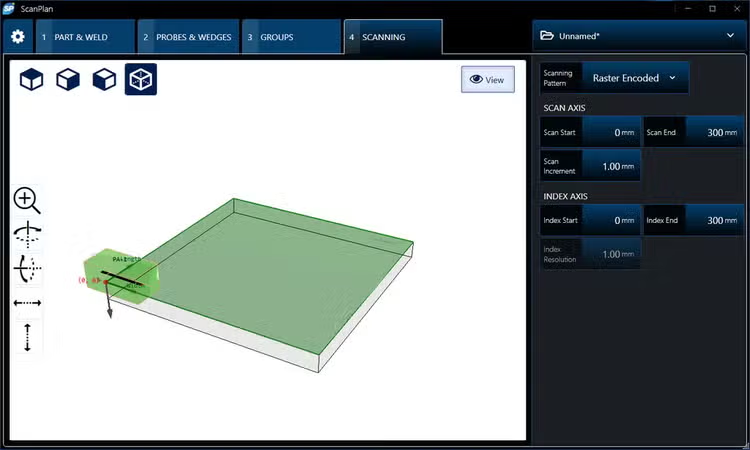
ScanPlan
Simple Setup Workflow
Select the part parameters.
Set your probe and wedge parameters or select a preset.
Select your group parameters.
Edit your scanning pattern.
Save your file on a USB key or to your OneDrive to transfer it to your acquisition instrument or software.
OmniScan X4 users can save their ScanPlan setup files on a USB key to import them into the instrument, or share the file with the instrument via their OneDrive.
File Format Compatibility
ScanPlan software supports the setup file format .uset, which is compatible with the following:
- OmniScan X4 flaw detector (all models)
- QuickScan iX PA et PA+ data acquisition units
- AeroView Inspection software (used to drive an OmniScan X4 unit)
Updating Your ScanPlan Software
ScanPlan software will gain new features and improvements with our quarterly updates, and license holders can download the latest version for free via our website.